





KVM VPS
Linux KVM VPS Hosting
High-performance Servers for Faster Websites & Applications
- High-speed Upgradable SSD Storage
- Instant Provisioning
- Full Root Access
Set up your VPS in 2 easy steps
99% uptime for rock-solid performance
V1 - SSD
₹ 250 /mo
- 2 CPU Cores
- 2 GB SSD Disk Space
- 20 GB RAM
- 1 Additional IP
- 0 TB Bandwidth
- Free SSL Certificate
V2 - SSD
₹ 400 /mo
- 2 CPU Cores
- 4 GB SSD Disk Space
- 40 GB RAM
- 1 Additional IP
- 1 TB Bandwidth
- Free SSL Certificate
V3 - SSD
₹ 550 /mo
- 3 CPU Cores
- 6 GB SSD Disk Space
- 80 GB RAM
- 2 Additional IP
- 1 TB Bandwidth
- Free SSL Certificate
V4 - SSD
₹ 650 /mo
- 4 CPU Cores
- 8 GB SSD Disk Space
- 120 GB RAM
- 2 Additional IP
- 1 TB Bandwidth
- Free SSL Certificate
Instant Provisioning
Get up and running instantly! Our servers are provisioned within a few minutes.
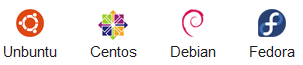
Choose your Operating System
Get complete flexibility to choose the operating system that works for you.Here are operating systems available with our servers:
Choose your management panel
Optionally, you can choose a Control Panel for easy Server Management.Here the available add-ons:
High-performance Storage Volumes for your VPS
At $ 21.78/GB/month
Flexible Volumes
- Get a volume starting from 10 GB to 500 GB
- Add multiple volumes to a server for better space management
- Upgrade existing volumes upto 500 GB (Coming Soon)
- Move volumes between servers based on need (Coming Soon)
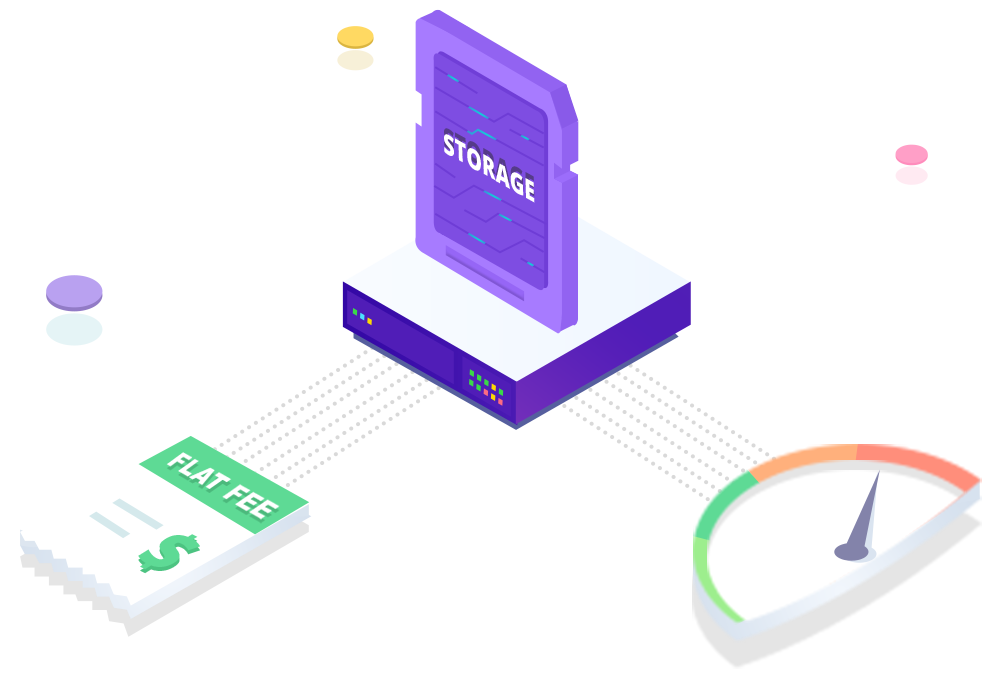
Simplified Billing
Available at a flat fee. No complicated billing based on Bandwidth or IOPS usage
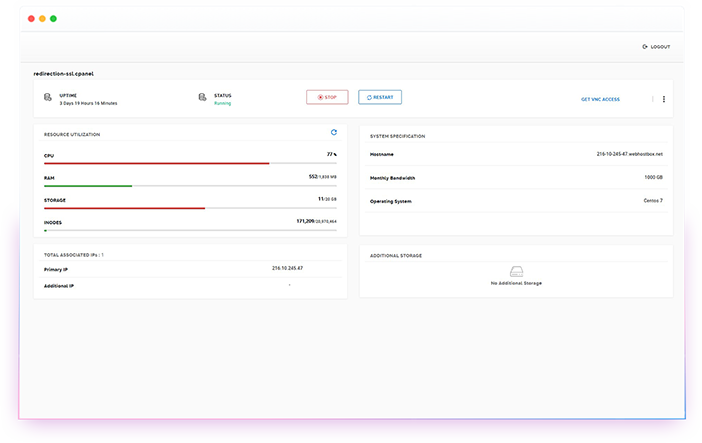
Server Management
You can Start, Stop, Restart, Rebuild your VPS from the Server Management Panel.
Full Root Access
With full root access, you get complete control to manage your server resources.
VNC Access
VNC allows you quick access to your VPS for easy management.
WHMCS
Optionally, you can install & integrate WHMCS with your VPS Server seamlessly.
DDOS Protection
Our advanced DDOS protection ensures that your VPS is protected against any attacks.
State-of-the-art Infrastructure
All VPS servers are powered by trusted infrastructure to keep them up and running:
Private Networking
Setup your own network instantly in a few clicks
We are available 24/7 to help you with your queries
Our servers include semi-managed support related to:
- Boot, Login, Investigating Network/Hardware related issues
- Initial module installation and basic firewall setup
- Setup and re-installation of KVM VPS
- Core OS Updates & Patches
- Reverse DNS Setup
Contact Us
Any query ? let's talk
Any questions or topics you’d like to discuss? Feel free to share your thoughts, and let’s engage in a conversation. I’m here to help and chat with you.
Hear from happy customers
Our satisfied customers love our products/services. Read their glowing testimonials to discover why they choose us for quality and excellence.
Frequntly Asked Question
What are the advantages of VPS Hosting ?
With VPS Hosting, you have complete isolation. This means that no matter what other users might be doing on the server, your VPS package will be unaffected. With root access, you can install whatever applications you require. VPS also gives you guaranteed resources, so no matter what, the CPU, RAM, Disk Space and Bandwidth allocated to your VPS package will always be available for your applications. It gives you all the features and functions of Dedicated server, without the additional cost.
What is a KVM VPS ?
A KVM (Kernel-based Virtual Machine) is a virtual private server which sits on top of a physical dedicated server. Resources are dedicated to the KVM VPS and are not shared with other users on the physical device, offering tremendous reliability and performance.
What is the difference between KVM and OpenVZ ?
A KVM is true virtualization where the VPS operates as its own server, independently of the host node. OpenVZ is a container based virtualization which relies on the host node’s kernel
Is a Dedicated IP available ?
Yes, at an additional cost. You can raise a support ticket to get a dedicated IP.
Do you include protection from viruses ?
Yes, all our servers are protected by Clam AV.
What is your backup policy ?
You are responsible for your backups and web content. It is recommended that you keep copies of your content safe and make your own backups. You can take a backup from your cPanel or use a remote backup solution.